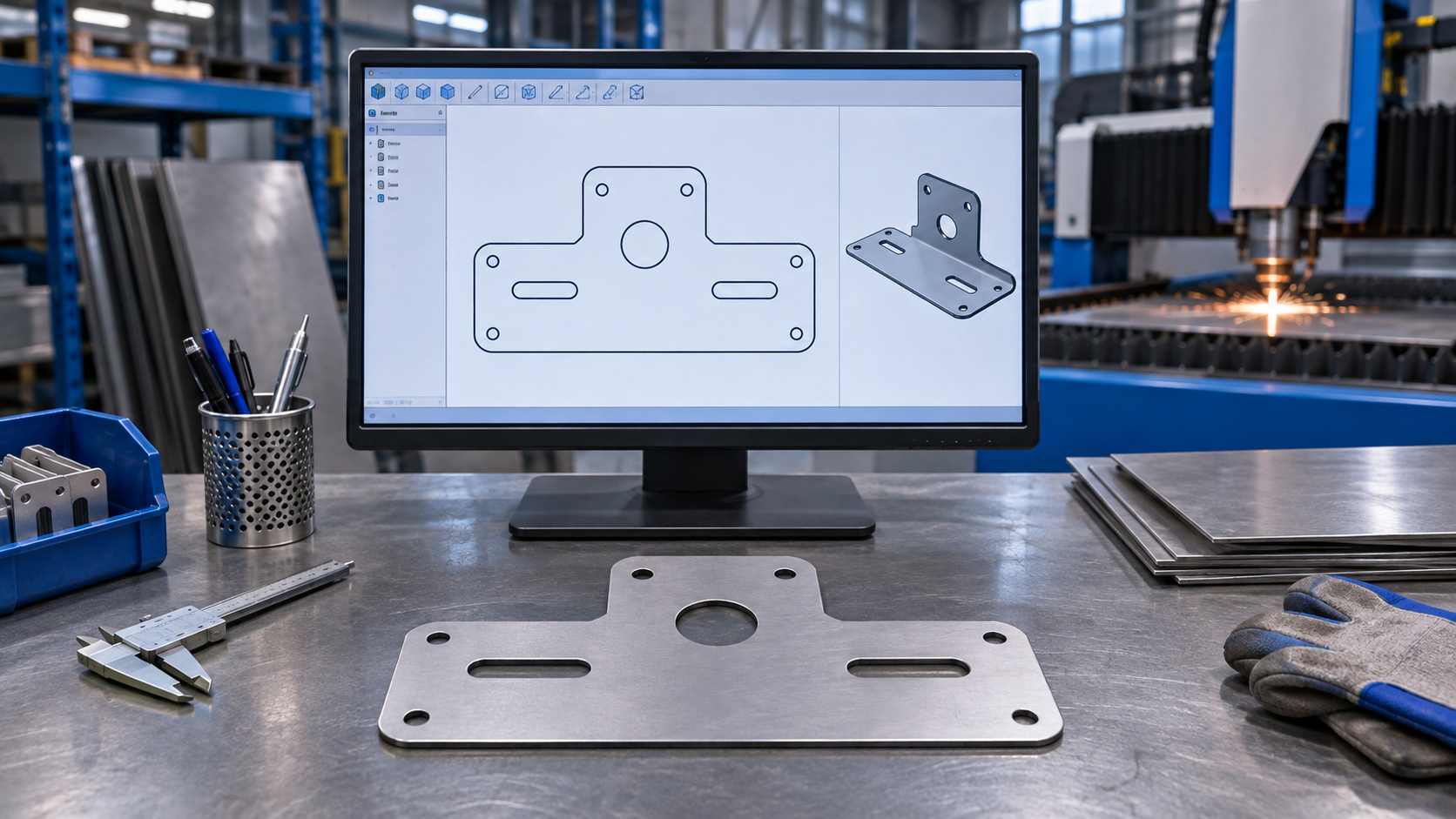
How to Prepare a DXF File for Laser Cutting
Open your drawing and isolate the flat shape the supplier needs to cut. Export it at 1:1 scale and state the units in your order notes. For example, if the finished panel should be 200 mm wide, include that dimension in the message so the supplier has a quick scale check.
Remove duplicate lines, construction geometry and stray points. Check that the outside profile and each internal cutout form closed contours. If the part also needs engraving, marking or bending, identify those features separately and follow the supplier’s instructions for file layers and bend lines.
Reopen the exported DXF before sending it. Check an overall dimension, count the holes and confirm the file revision. Include the material, thickness and quantity in the quote request.
